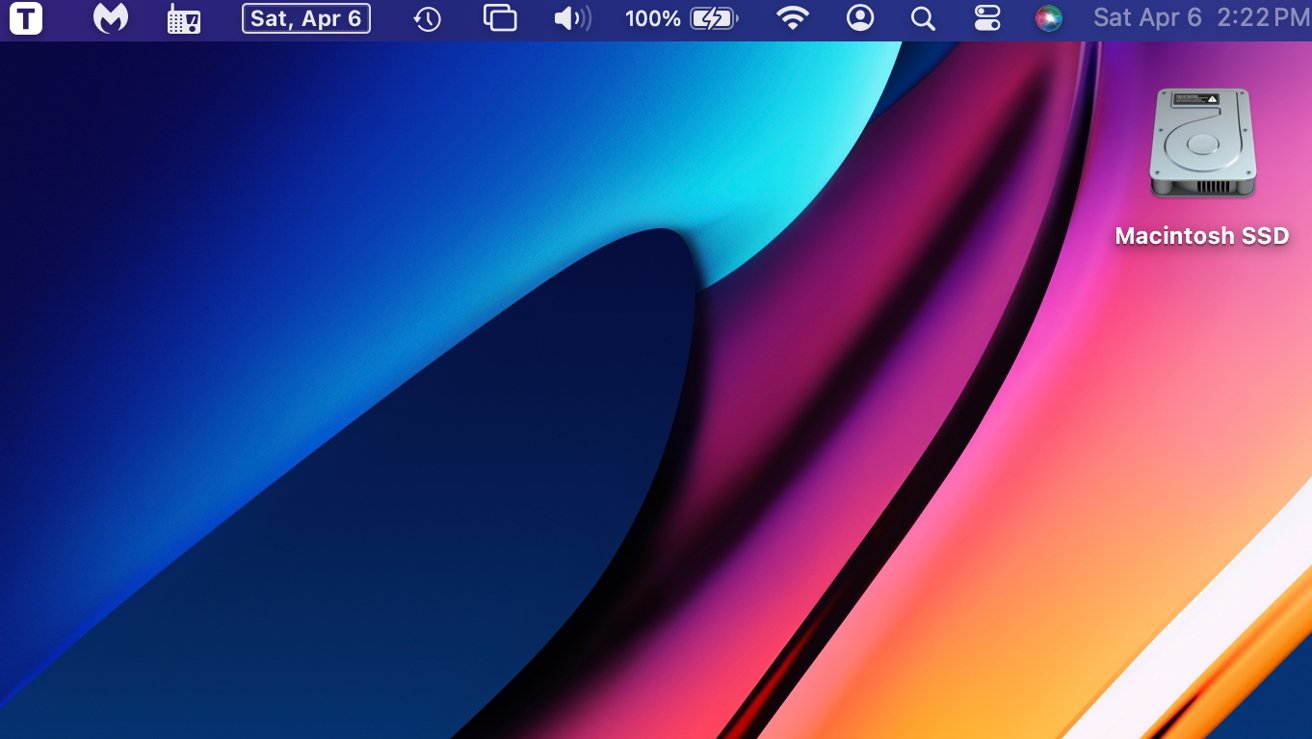
How to make the most of your Mac menubar by rearranging, deleting and adding app icons — with or without third party utilities.
Typically, menubar icons add themselves to the menubar when a third-party program that uses them is installed. There are also a handful of Apple default icons that appear on startup automatically.
Apple’s menubar icons include the time and date, where clicking it will bring up notifications; Siri; Control Center; Search, and a “User” icon which, when clicked on, will show the account you are presently in. A Wi-Fi signal strength indicator, battery status, Bluetooth control, volume and sound control, display options, Time Machine status, and a focus mode indicator are all available as well.
