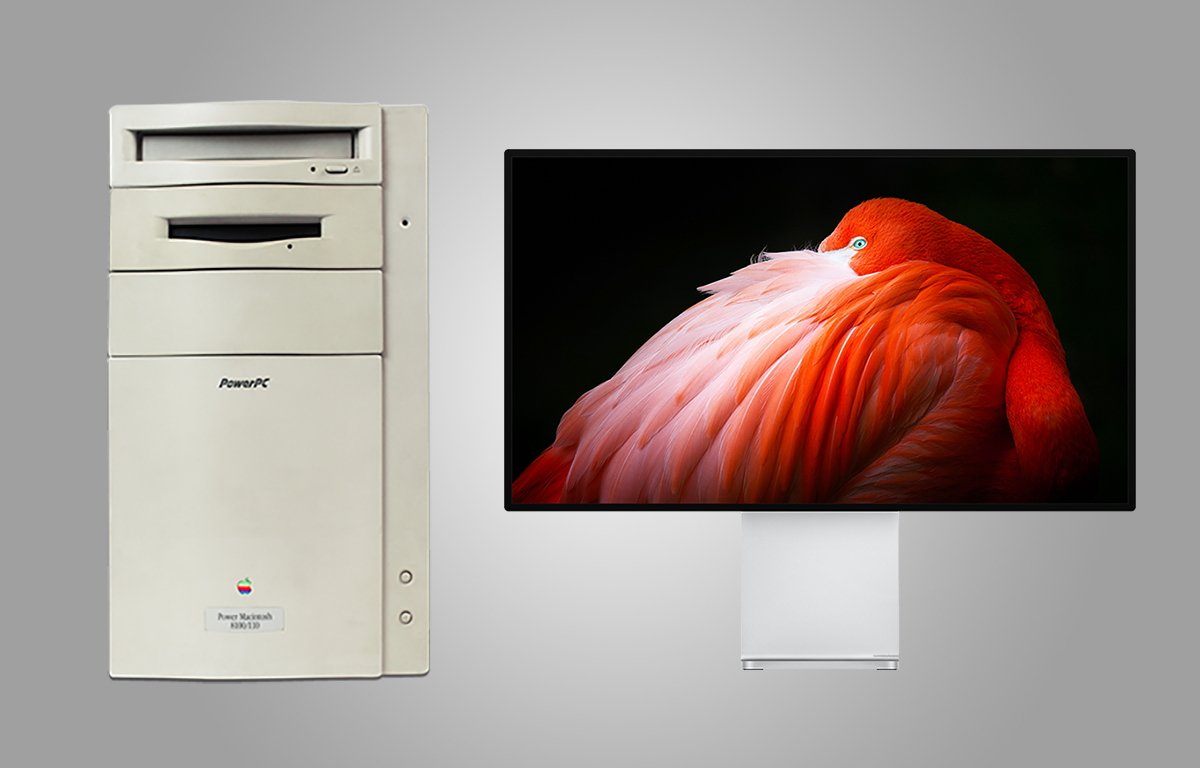
HDMI is the de facto standard for connecting a monitor to a Mac and has been for many years, but there are many older Macs out there that can’t be easily connected to that modern connector. Here’s how to connect your vintage Mac to your new monitor.
For longer than it hasn’t, Apple has gone its own way on monitor connections. There’s been Apple’s version of DA-15, HDI-45, ADC, mini DisplayPort, and a few others. The rest of the industry, larger for most of Apple’s history, decided VGA was the way to go, then DVI, and DisplayPort.
Fortunately, it’s all mostly settled on HDMI. Here’s how to connect your vintage gear to modern monitors, and what you need to do it.
