Wondering which versions of macOS your Mac can run? We’ve put together a macOS compatibility checker that will show you what Macs the different versions of macOS and Mac OS X support, so you can tell what version you should be running on your Mac.
Apple releases a new version of the Mac operating system every year—but the newest version of the Mac operating system does not support every Mac. Each year more and more Macs fall off the compatibility list and are unable to be updated to take advantage of the latest features.
The latest version, macOS 15 Sequoia, arrived on September 16, 2024, it can run on all M-series Macs and the last generations of Intel-powered Macs, but the older Macs don’t get all the new features. Read on to find out exactly which Macs are supported by each version of the Mac operating system.
A new version of macOS is coming later in 2025. macOS 26 Tahoe was previewed at WWDC in June and is now being beta tested.
But the updates don’t only come yearly. Every month or so Apple updates macOS with a few near features and security updates. Apple released macOS 15.5 in May 2025, for example.
For advice about installing macOS read: How to install macOS on your Mac and read our guide to every version of macOS released to find out about the latest version.
Apple
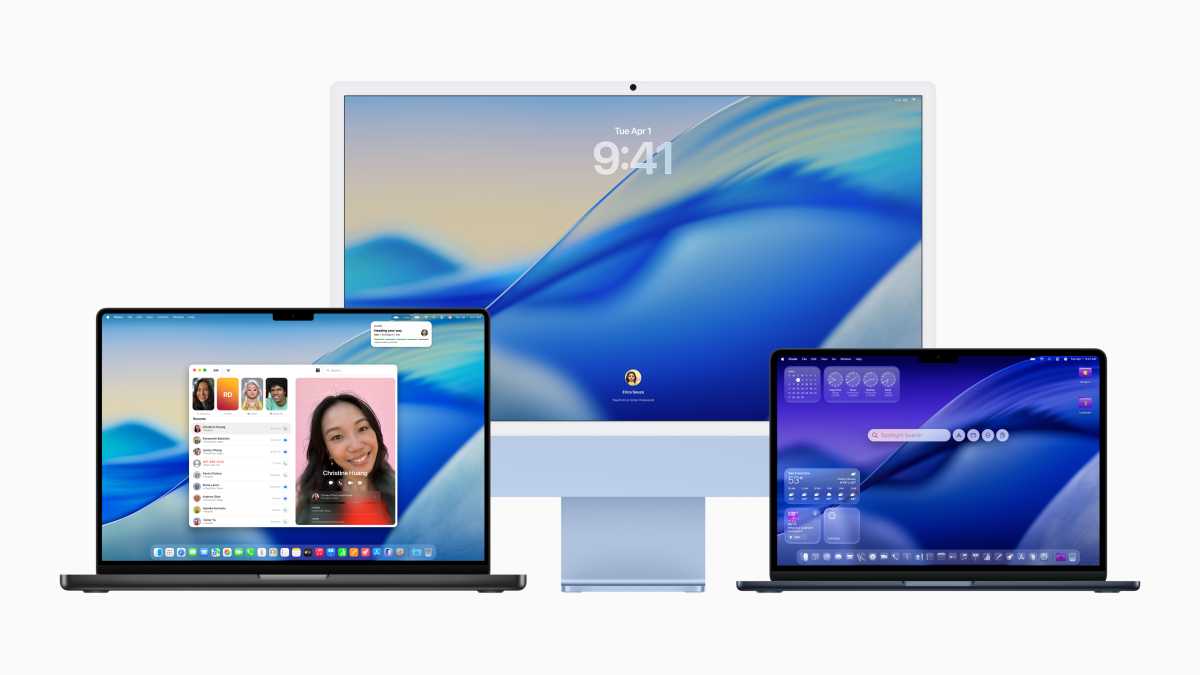
There were fears that macOS Tahoe would not support any Intel-powered Macs – luckily this isn’t the case, but it is the last version of macOS to support Macs that don’t run on Apple’s own silicon.
Apple lists the following Macs as compatible with macOS 26 Tahoe and the Apple Intelligence-powered features:
Intel Macs that run Tahoe (but don’t support Apple Intelligence):
The Macs that lose support that were supported by Sequoia are:
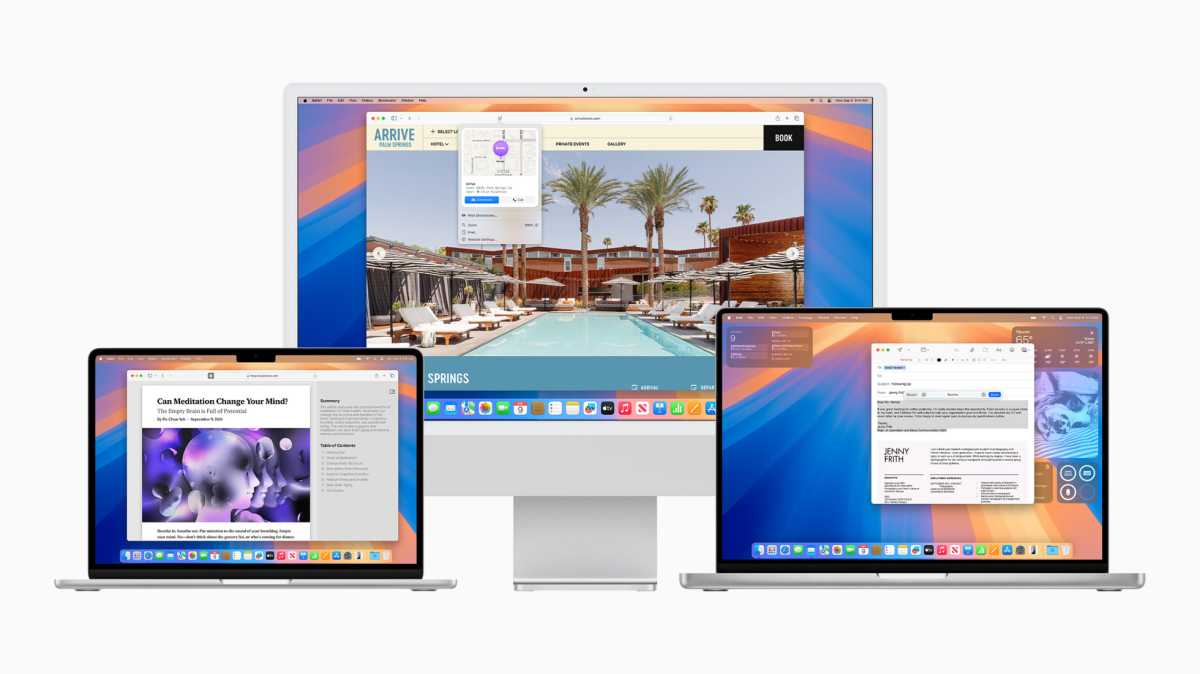
Which Macs run Sequoia? All the M-series Macs!
Apple
Sequoia (macOS 15) became available on Tuesday, September 16, 2024. The software has been regularly updated, with macOS 15.5 arriving in May 2025.
M-series Macs that run Sequoia
All M-series Macs can support Sequoia (and Apple Intelligence features), include:
Intel Macs that run Sequoia
The following Intel Macs can run Sequoia. None of these models can support the Apple Intelligence features.
This list excludes the 13-inch MacBook Air models from 2018 and 2019 which could run Sequoia’s predecessor, Sonoma.
For more information read: Can my Mac run Sequoia?
Officially, the operating system that was available on your Mac at the time that you bought it is the oldest version of macOS that can run on that Mac. It’s likely that an older OS won’t include the necessary drivers for the hardware on newer Macs. For this reason, it is unlikely that you will be able to install an older version of macOS on a new Mac—but you can take a look at how to install old versions of macOS or OS X for other Macs. Owners of Macs with M-series chips (sometimes referred to as Apple Silicon) won’t be able to run older versions of macOS that weren’t designed for Apple Silicon Macs which use a different architecture, known as ARM, instead of X-86.
But it may not just be a case of wanting to know if your Mac can run the newest operating system. You might also want to know if it is possible to downgrade your Mac to an older version of macOS and need to know the oldest version of macOS. You’ll also find that information below. You can also see a complete list of all the different versions of macOS and Mac OS X. Not sure which Mac you own? Check our article about how to identify your Mac.
Note: In each case, the year referenced below is the year that Mac was first introduced–you could for example have bought a 2016 MacBook in early 2017, but it’s still the 2016 MacBook.
macOS Sonoma
arrived in 2023
IDG
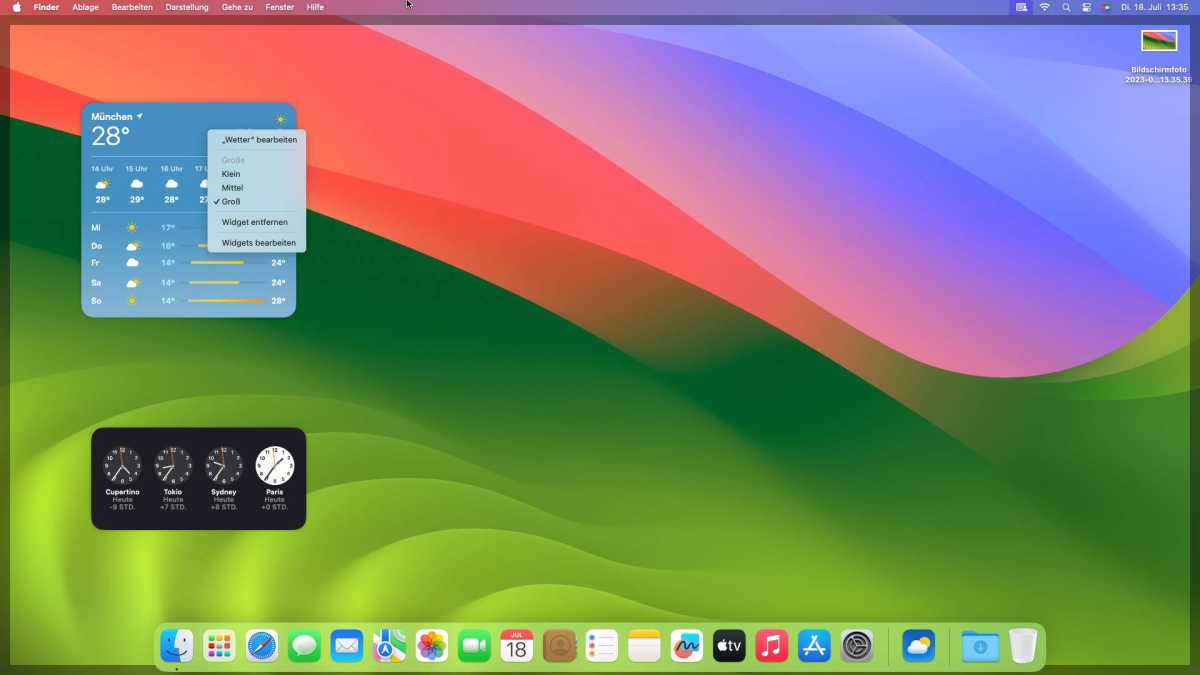
macOS 14 Sonoma became available on Tuesday, September 26, 2023. Apple is still issuing security updates for Sonoma, the most recent was 14.7.5 in March 2025.
The following Macs run Sonoma:
For more information read: Can my Mac run Sonoma?
Apple
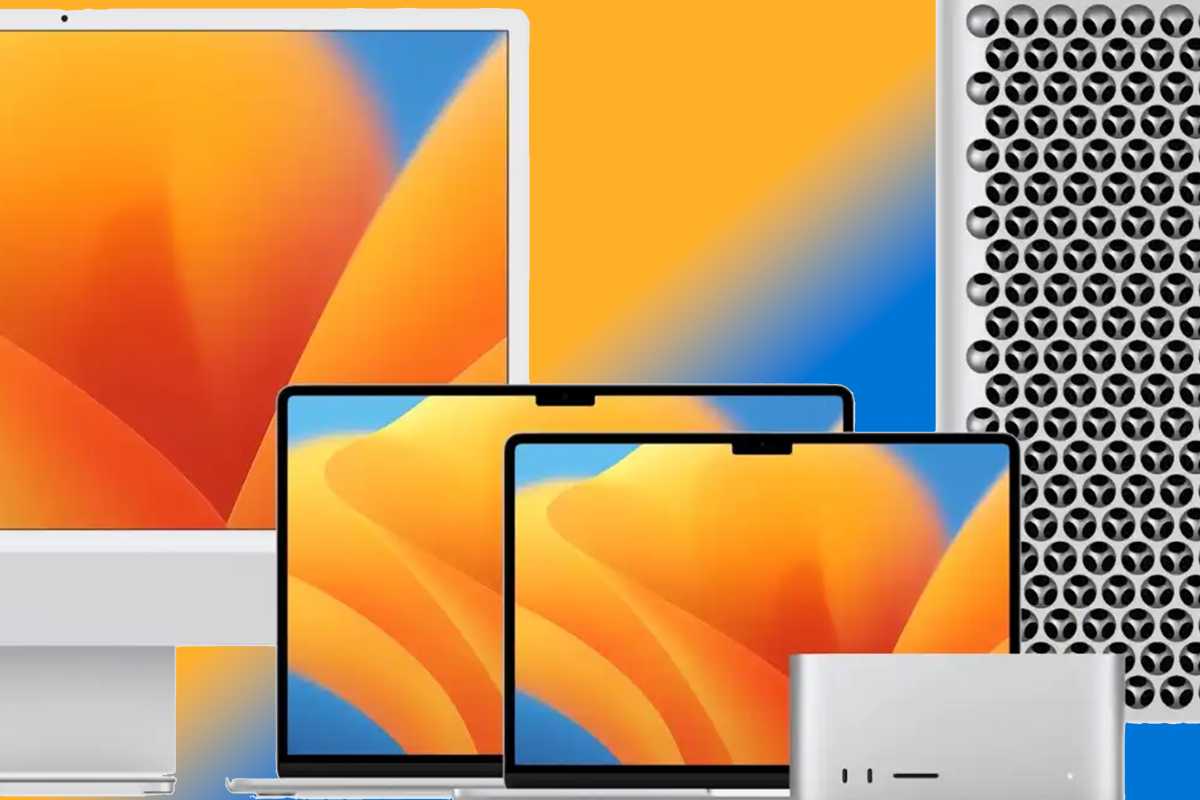
Apple released macOS 13 Ventura to the public on October 24, 2022. Apple is still issuing security updates for Ventura, the most recent was 13.7.5 in March 2025.
To run Ventura you will need one of these Macs:
For more information read: Can my Mac run Ventura?

Apple
macOS 12 Monterey was made available to download on October 15, 2021 (latest version 12.7.6). Apple is no longer issuing security updates for Monterey.
The following Macs are compatible with macOS Monterey:
Apple
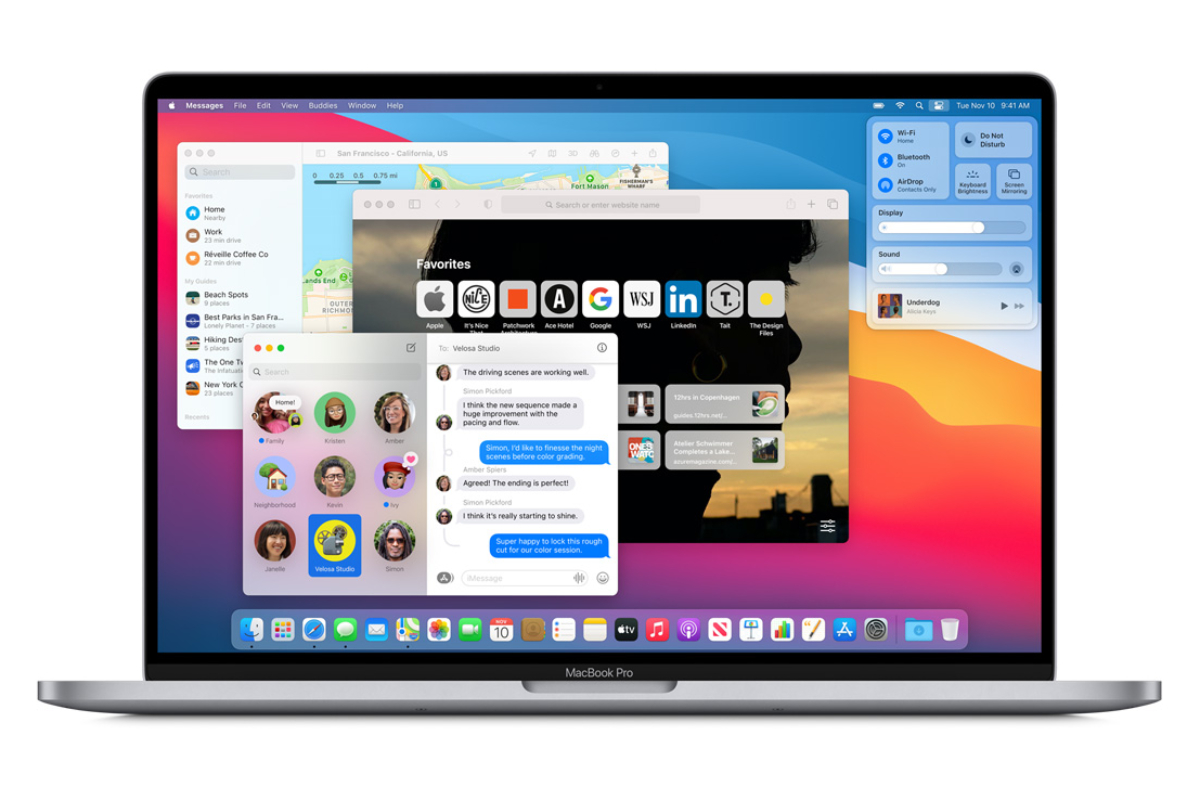
macOS 11 Big Sur was the version of macOS that arrived on November 12, 2020 (latest version 11.7.10). Apple is no longer issuing security updates for Big Sur.
Here’s a list of the Macs that can run macOS Big Sur:
Catalina arrived in October 2019 (latest version 10.15.7). Apple is no longer issuing security updates for Catalina:
The following Macs can run Catalina.
Note that the M-series Macs will not be able to run Catalina or earlier.

Mojave arrived in September 2018 (latest version 10.14.6) and can run on the following Macs:
High Sierra arrived in September 2017 (latest version 10.13.6) and can run on the following Macs:
Sierra, the first update to drop the “X” from the name, arrived in September 2016 (latest version 10.12.6) and can run on the following Macs:
El Capitan arrived in September 2015 (latest version 10.11.6) and can run on the following Macs:
Yosemite arrived in October 2014 (latest version 10.10.5) and can run on the following Macs:
Mavericks arrived in October 2013 (latest version 10.9.5) and can run on the following Macs:
Mountain Lion, the last of the “big cat” versions of the Mac operating system launched in July 2012 (latest version 10.8.5) and can run on the following Macs:
Wondering how long Apple will support your Mac for? Read:
How long do Macs last?
