Gemini is a great AI assistant; you can use it from your phone or computer. Recently, Google Gemini got a new feature called Storybooks.
If you are a Gemini user, you can now use the AI chatbot to craft personalized, illustrated storybooks about any topic with the read-aloud narration.
The feature aims to target families with young children and to offer a simple way to create & personalize storytelling experiences.
The StoryBook feature is available to all users, even on free Google accounts. And you can get started with a single prompt.
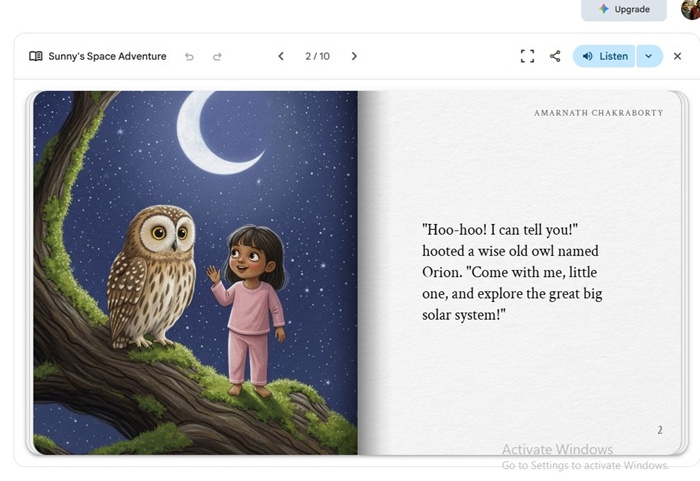
You will have to simply describe any story you can imagine, and the Gemini AI will generate a unique 10-page book with custom art and audio.
To get started, you can follow the steps we have shared.
1. Open your favorite web browser and visit https://gemini.google.com/.
2. Log in to your account.
3. Now enter a text prompt. For example, “Create a storybook that explains the solar system to my 5 year old.”
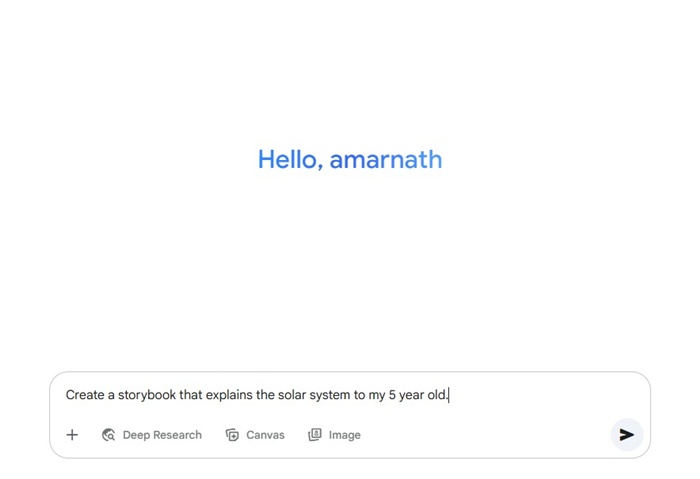
4. The prompt will create a storybook within a few minutes.

5. You can also add content like photos and other files to teach a lesson through visual storytelling.
So, this guide explains how to create AI storybooks with illustrations in the Gemini app. If you need more help on this topic, let us know in the comments.
The post How to Create AI StoryBooks with illustrations in Gemini appeared first on TechViral.
