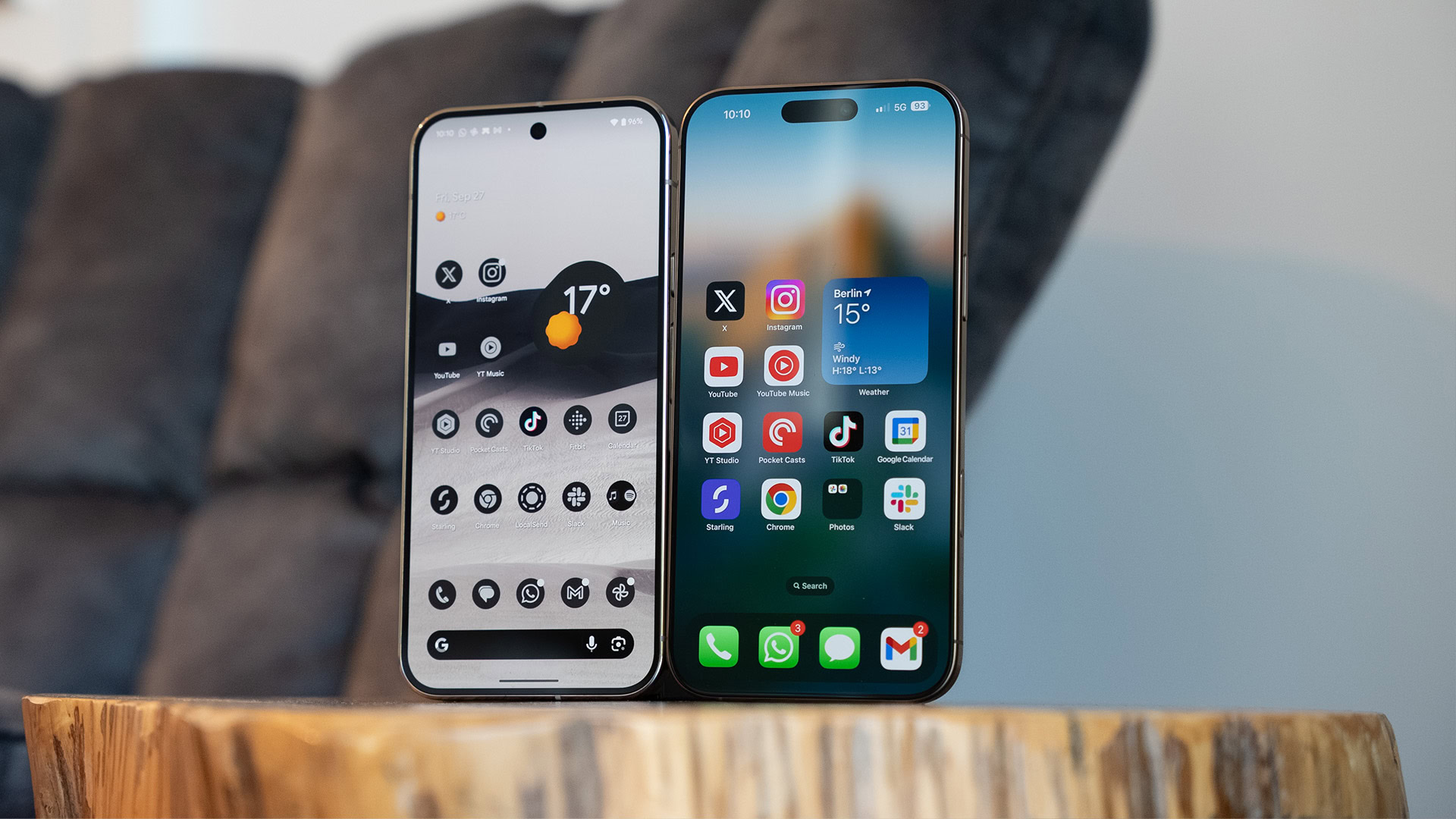
Switching from an iPhone to an Android device isn’t exactly the easiest process, although Google offers the Switch to Android app for this purpose. Thankfully, Apple has now stepped up to the plate with its latest iOS update.
Apple has released iOS 26.3, and AppleInsider reports that this update includes a Transfer to Android tool in the settings menu. Colleague Aamir Siddiqui was also able to access this feature on his iPhone. The option can be found by tapping Settings > General > Transfer or Reset iPhone > Transfer to Android. Check out our screenshots below.