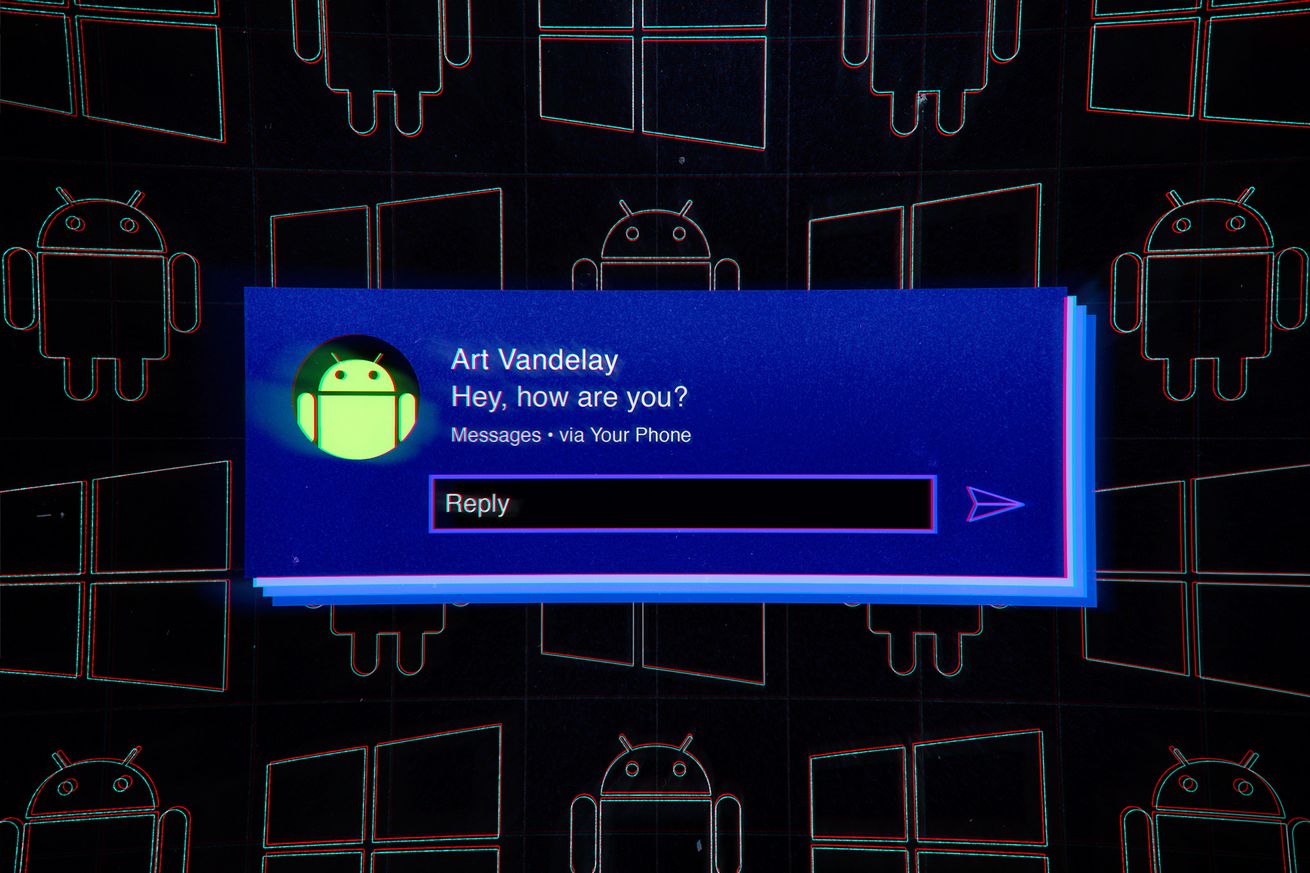


Illustration by Alex Castro / The Verge
It’s been a long time coming, but Microsoft finally has its own system for managing Android notifications from Windows.
This system makes it possible to see notifications from your Android phone on your Windows 10 PC as they arrive and to pull up your entire SMS history along with any pending notifications on demand. You can even reply to messages and compose new texts right from your computer.
Here’s how to get started.
First, make sure you have the latest version of the Your Phone app:
How to check your Android phone’s notifications on a Windows PC
Source: New feed