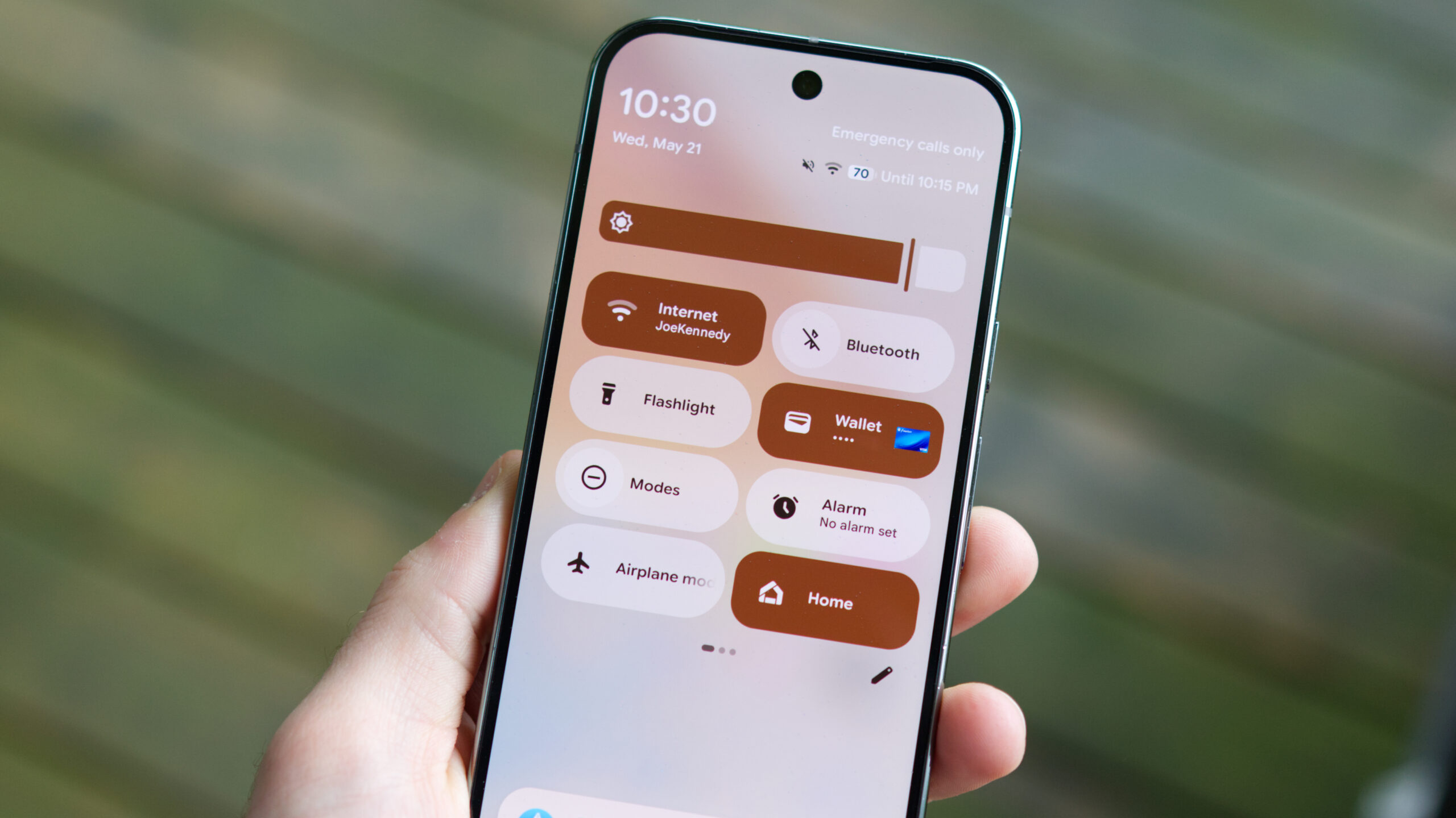
Android 16 is getting plenty of visual tweaks, including the Material 3 Expressive design style. One of the more notable visual changes is the redesigned Quick Settings panel, which will allow you to resize tiles to make them smaller or larger.
Making a Quick Setting tile smaller means the accompanying text (e.g. Bluetooth, Quick Share, Flashlight) will disappear. Fortunately, Telegram user sameera_s_w discovered that Google is working on a nifty solution, and we were able to confirm this. More specifically, tapping a small tile will result in its name flashing in the active apps field at the bottom of the quick settings menu. Check out our screen recording below.
