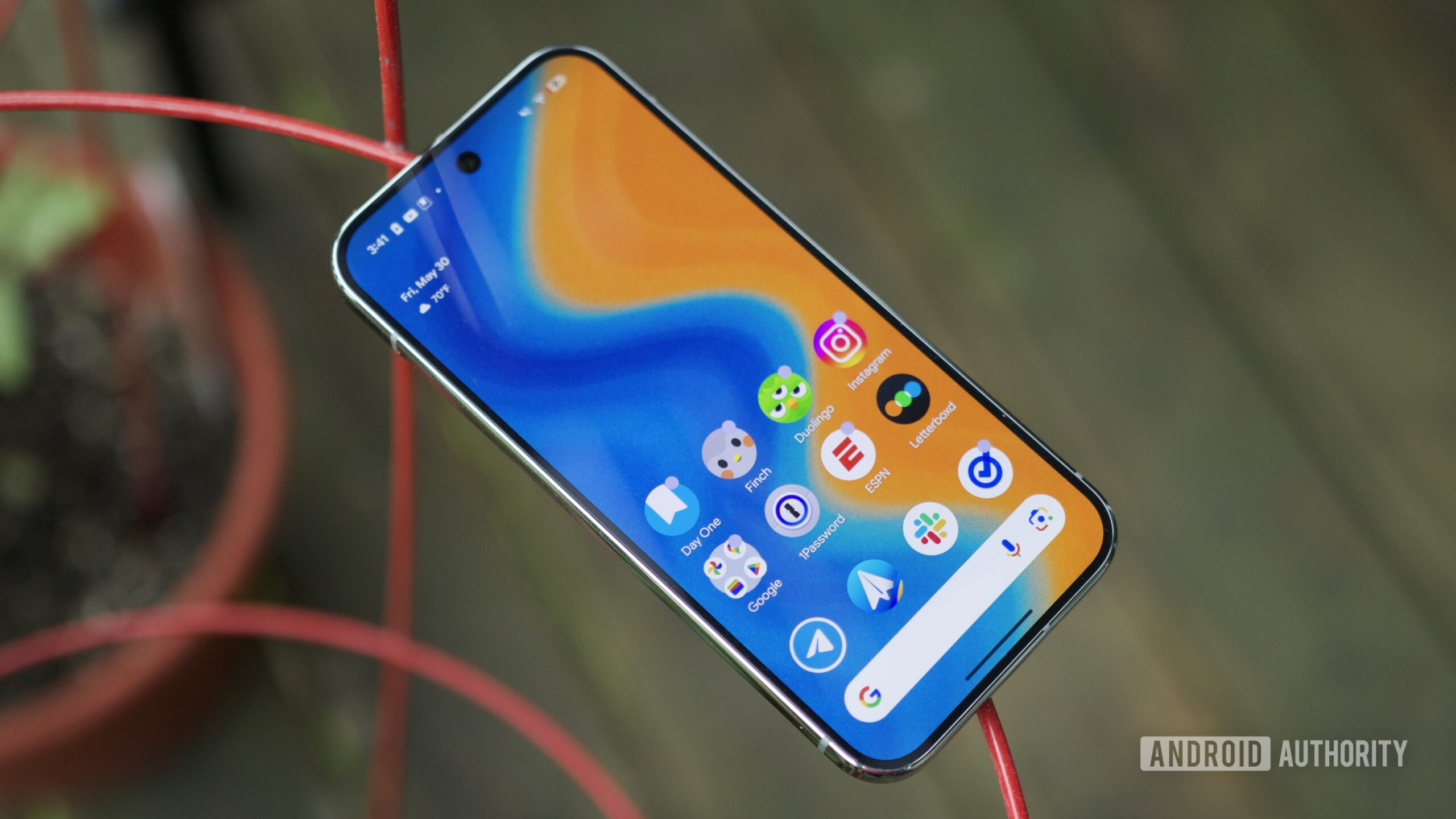
It’s raining software updates! We’ve got iOS 26 beta and major updates in the Android camp with Android 16 stable and Android 16 QPR1 Beta 2 releases. While Liquid Glass and Material 3 Expressive are the most noticeable changes with these updates, Google has also quietly changed the positioning of the Wi-Fi and mobile data icons on the status bar in Android 16 QPR1 Beta 2, and it’s practically the same as iOS now.
Android has long presented these status bar icons in the order: Wi-Fi, mobile network, battery, from left to right. While very minor, this order gives the right of your status bar a visual hierarchy, with the Wi-Fi and network icons complementing each other visually in shape, while the battery icon stays solid.
