Over on his YouTube channel [Pat Deegan] from Psychogenic Technologies shows us two KiCad tips to save a million clicks.
In the same way that it makes sense for you to learn to touch type if you’re going to be using a computer a lot, it makes sense for you to put some thought and effort into your KiCad keyboard shortcuts keys, too.
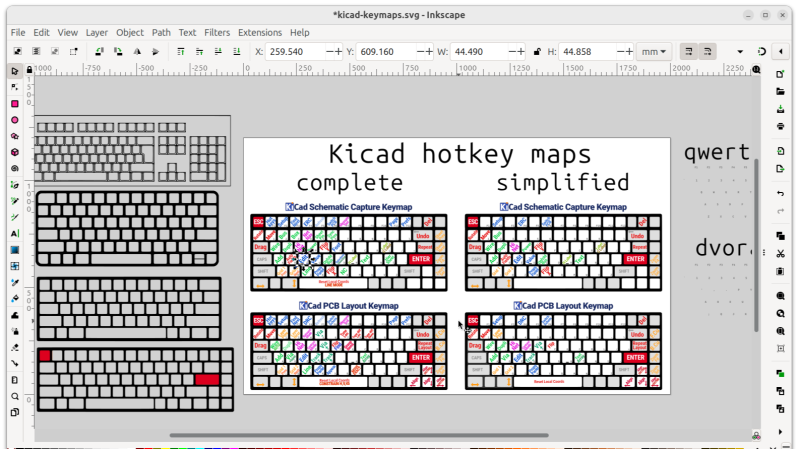
In this video [Pat] introduces the keymap that he has come up with for the KiCad programs (schematic capture and PCB layout) and explains the rules of thumb that he used to generate his recommended shortcut keys, being:
You can find importable KiCad keymaps and customizable SVG cheatsheets in the downloads section of his notes.
[Pat]’s video includes some other tips and commentary (he gives you free access to a KiCad course he has put together) but for us the big takeaway was the keymaps. Also, if you haven’t been keeping abreast of developments, KiCad is now at version 9, as of February this year.
